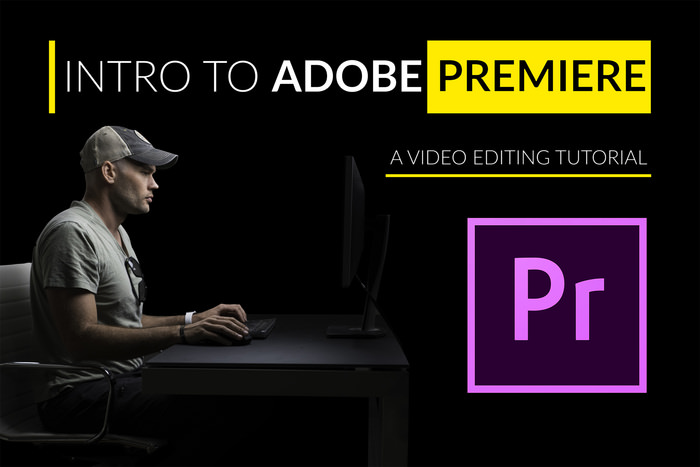
Fstoppers Adobe Premiere视频编辑教程 Intro To Video Editing With Adobe Premiere
如果你有一台拍摄照片的相机,它几乎可以肯定拍摄同样好看的视频。 我们生活在一个对高质量视频的需求开始超过静止图像的时代。 因此,如果您的相机可以拍摄视频以及拍摄静止图像,那么是什么阻止您参与不断增长的视频需求? 如果答案是编辑,本教程适合您。
作为摄影师,我们理解对良好后期处理的需求。 经过良好编辑的图像使其在人群中脱颖而出; 这就是将体面摄影与优秀摄影分开的原因。 视频也是如此。 经过精心编辑的视频将引起观众的注意并保持它。 虽然我们中的许多摄影师已经学会了如何最大限度地处理图像,但我们缺乏将引人注目的视频整合在一起的能力。
If you have a camera that shoots photos, it can almost certainly shoot equally good-looking video. We live in an era where the demand for high quality video is starting to surpass that of still images. So, if your camera can shoot video as well as it can shoot stills, what’s stopping you from participating in the growing demand for video? If the answer is editing, this tutorial is for you.
As photographers, we understand the need for good post-processing. An image that has been edited well makes it stand out from the crowd; it’s what separates decent photography from excellent photography. The same is true for video. A well-edited video will catch the attention of the viewer and hold it. While many of us photographers have learned how to process an image to its fullest potential, we lack the ability to put a compelling video together.